

In my previous article I shared the concept of the Transactional Calendar and the Planning Calendar. That article was one of the most popular that I’ve published, so thanks to everyone that shared it. If you haven’t yet read my last article, the link is below - be sure to check it out.

In this article we’ll build upon our Plan Like a Boss series to include Roles and Cadences.
Roles - How do you actually plan?
Step 1. Roles
The first thing to do is to identify all of the roles that you play in your life. This comes directly from Stephen R. Covey’s 7 Habits and in more detail in his book First Things First
For me those are:
Husband
Father
Grandson/Son
Friend
CEO
Entrepreneur
Endurance Athlete
(Bad)Musician
Community/Church Member (list the specific organizations you contribute to)
Step 2. For each Role, source the calendar
For each role there are key dates that are repeating, like birthdays or anniversaries. Those are easy to add and capture. Identify and list all your key calendars.
What if I just subscribe to the school calendar, isn’t that the same thing?
NO WAY!! - this is very common, especially for digital natives to want to subscribe and let everything be taken care of by a bot or AI. See Principle 3 from the first article.
Step 3. Add as all-day events
Add these to your Planning Calendar. Use colors that appeal to you, and set repeating. After that source the key dates. E.g. if you have kids at school, get the school calendar and place dates that are important to your planning - these might be holidays and key exam weeks, for example.
Step 4. Add your cadences and trips
You also should plot down your cadences - key monthly meetings, or workshops etc. as well as your known trips - whilst you are at it, this is a GREAT way to plan out your PTO (Vacation/Holiday time). When you can see all your family and other commitments laid out, school vacation days etc, you can easily see when to optimally plan vacations - this will allow you to get the best deals as well because you are planning ahead.
The Cadence
In 2020, David Sacks wrote a substack article called The Cadence. It was very timely and there are some great concepts in his model about how to partition your quarter. Take a read of his article:

Super, Middle & Closing Months
In his article, David Sacks called each month of the quarter as the Plan, Launch, Close months. As we’re running a services company, we adapted ours to suit what we wanted. We came up with the following month names:
Super Month - The first month of the quarter. We wrap up results, do our planning, do our executive workshop, board meeting, results all-hands and other similar items. We want a lot of availability to get these items done. Align on projects to be done.
Middle Month - Let everyone get on with their projects and work, some folks plan PTO here when possible.
Closing Month - Let your team finish the quarter and ensure you are doing everything you can to help them close projects, deals and engagements.
Note that these months are just guidelines, there are times things have to move. Don’t get upset if you have to move something!
We also heavily use week numbers. I wrote a short article on this - check it out:

The Planner on the Wall
Seeing the bigger picture is what makes it all work. I used to (and still) love buying an annual planner and stick it on my wall. Back in 2018 I bought a wall planner from UTS. I loved it. So much I even took a photo of it to keep so we could one day look at replicating.
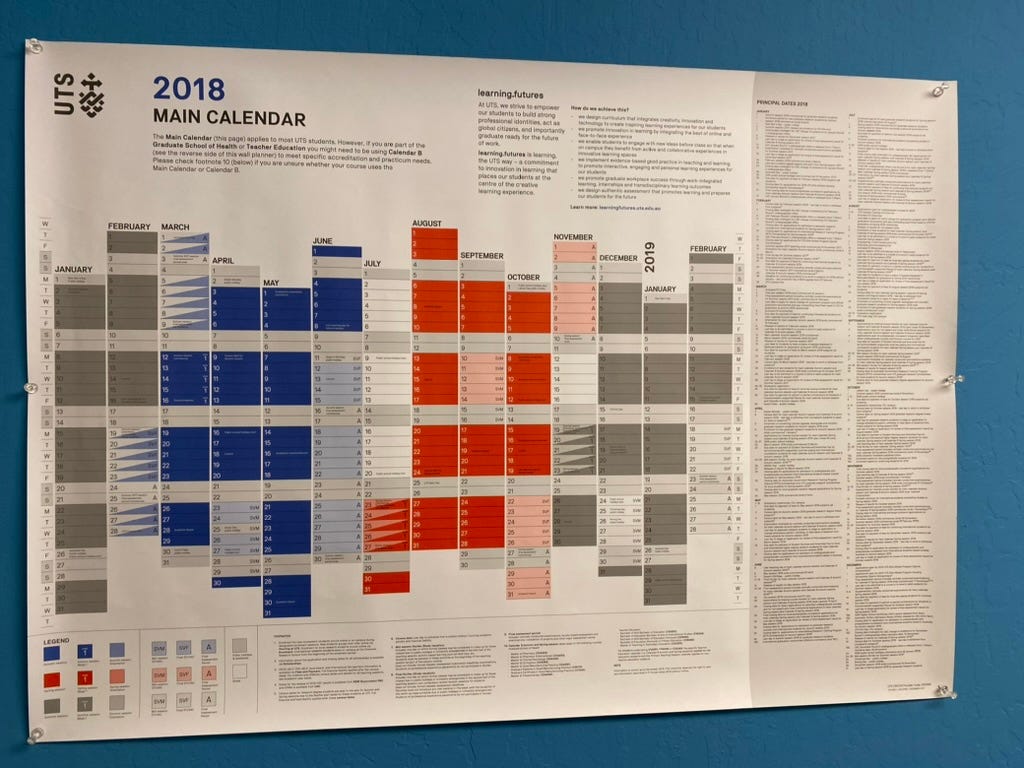
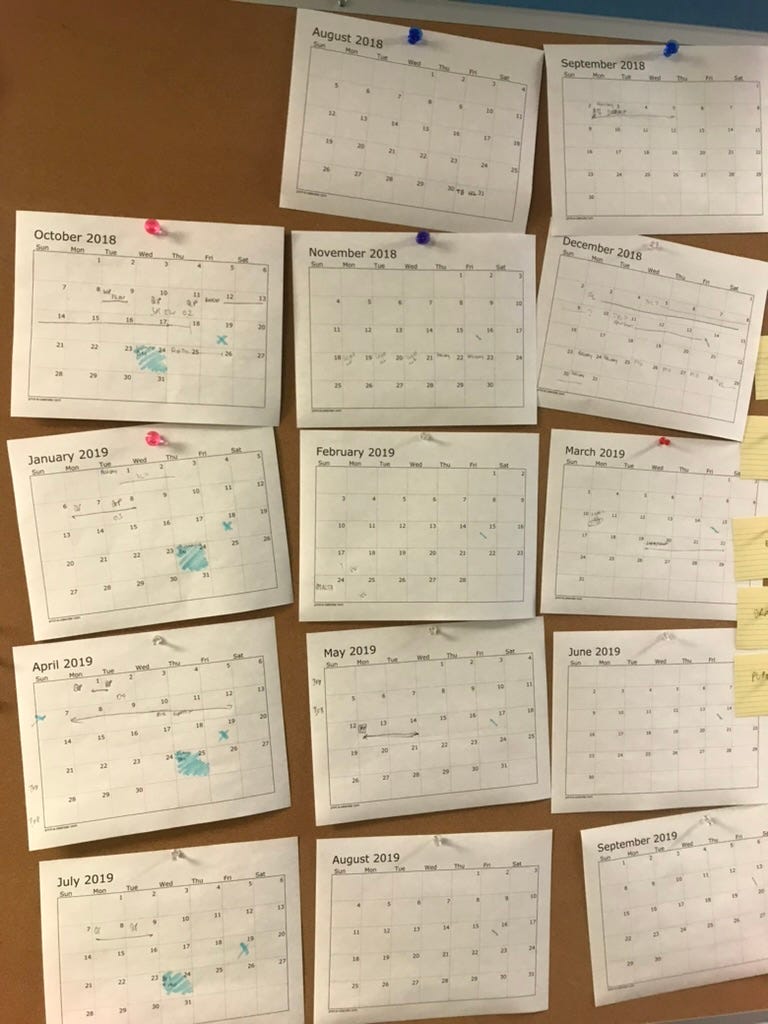
The first version was printing out monthly calendars and putting them on the cork board we had in the office. It worked as a mvp!
And a little later, we found a company that printed wall size calendars that we could stick on the wall. So we made our own and ‘hard-coded’ key dates.
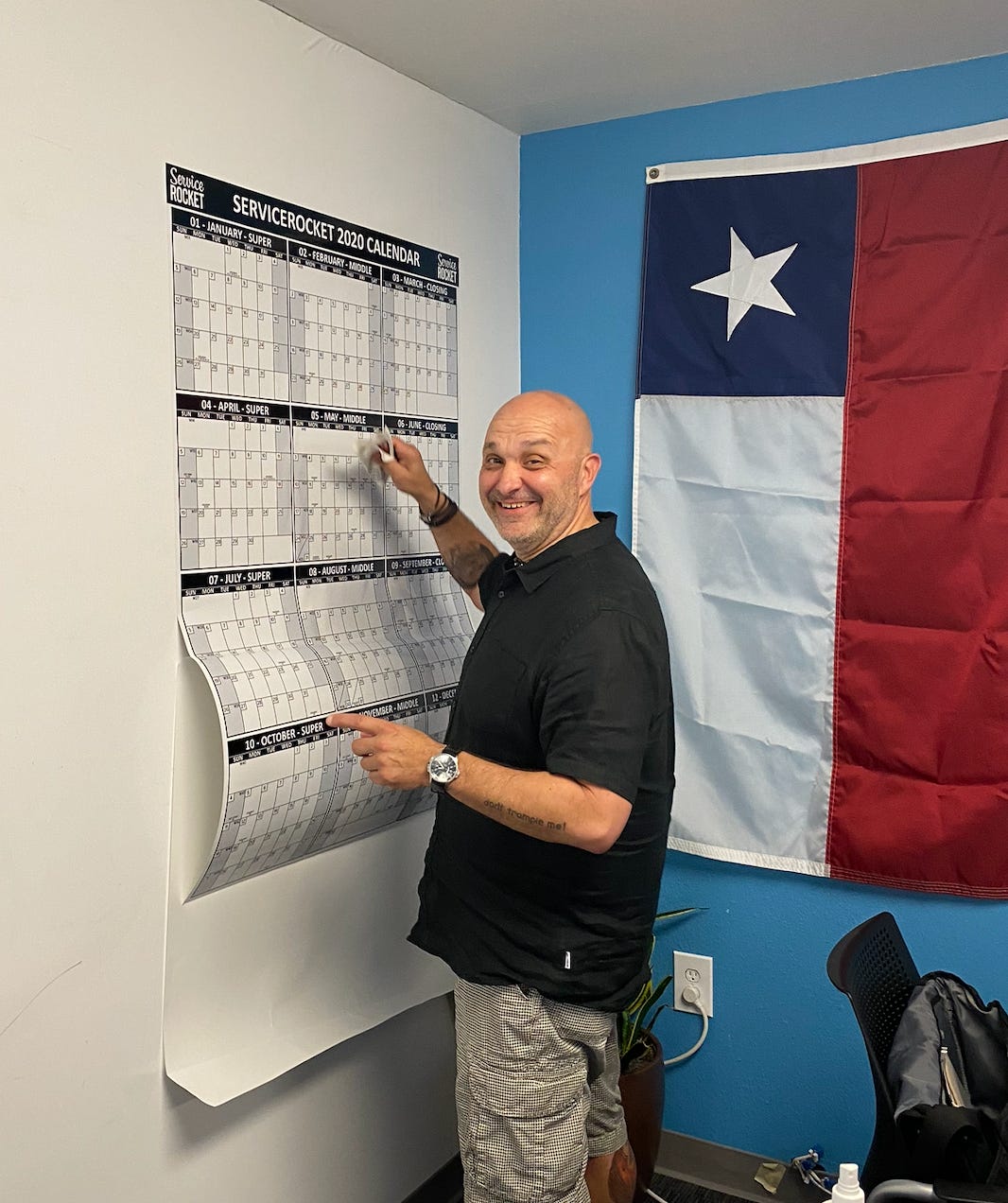
Our leaders placed these on their walls and we had them printed on draw erase paper so you could write on them with markers.
We loved this so much we even added our Super/Middle/Closing month terminology and week numbers to our planners.
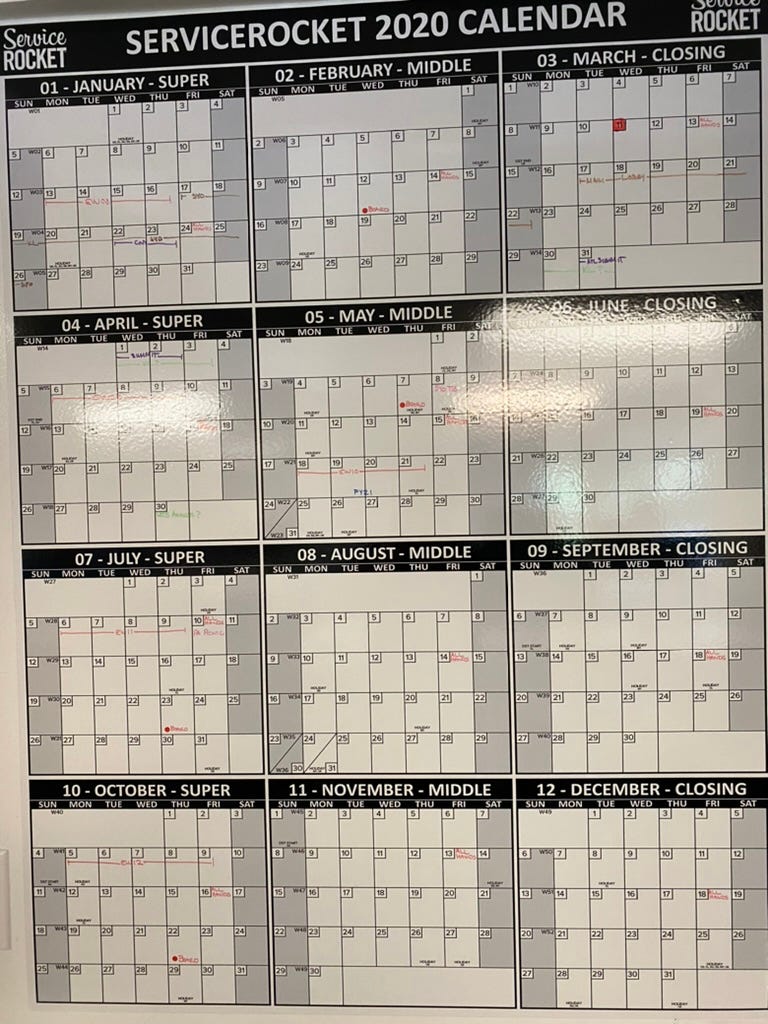
But we did run into one problem….
By the time you got to July, half of the planner was not very useful for forward looking planning. Which means we either needed to create next years planner early and have 2 or work out how to make it rolling.
So we made it rolling.
Rolling, Rolling, Rolling
To make it rolling I moved from the dry-erase marker to the Planning Calendar in Google.
For me this is where I used various systems and found that I like to look at my Planning Calendar a lot. In fact, my assistant and I used it as the primary tool to keep co-ordinated and in sync. A Planning Calendar is best viewed as a planner, Google doesn't have a good way to do this. Initially I used visual-planner | Google Calendar Year View, which is free but recently upgraded to Kalnext to do this Google Calendar Year View - Ultimate Yearly Planning Tool | Kalnext . The team at Kalnext have been incorporating my feature requests and it’s quite awesome now, do check it out! (notice that it looks a lot like my old UTS planner above!)
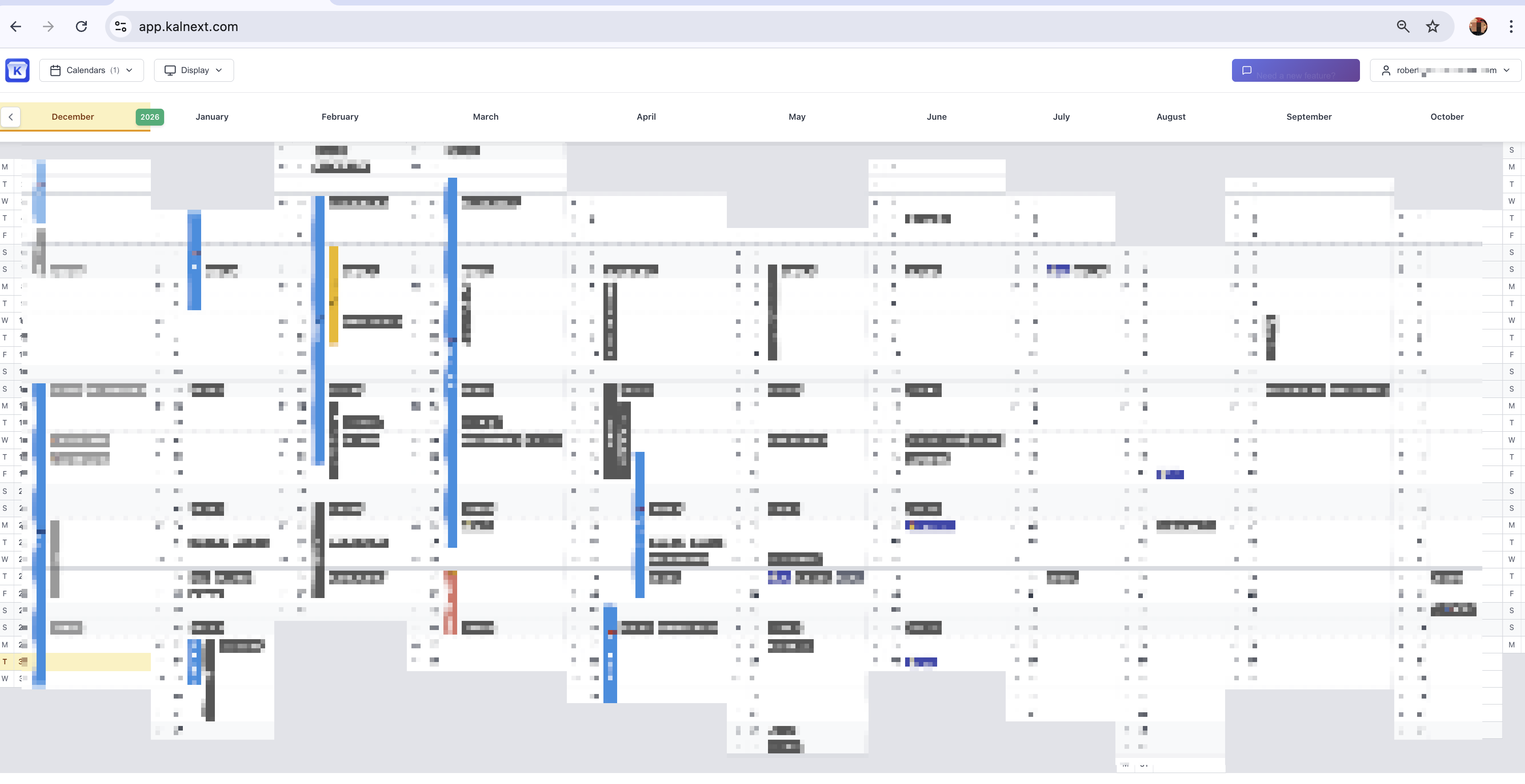
Hanging it on the wall
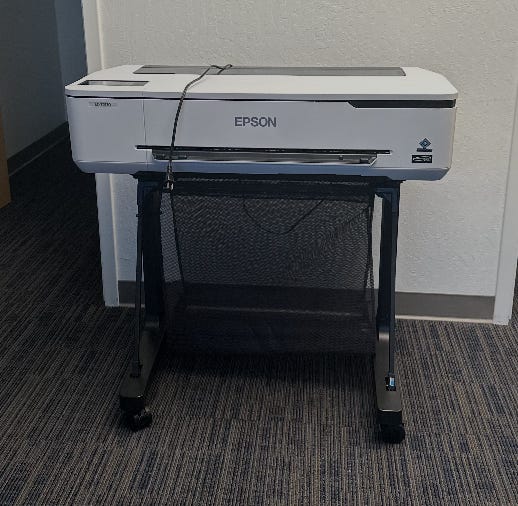
For me, the most effective way to keep in sync with my plan was to print it and stick it on the wall. As I shared above, we used to buy planners and use them, even custom ones and there are many versions with whiteboards or the year printed. They are nice but they have a severe flaw in that they get out of date and by halfway through the year, they are half useless. I wanted a way to have a rolling planner, so I opted to invest in a “mega printer” so that I could print in A1 size (60cm wide, or 2ft) and hang it on my wall.
I opted for the Epson “mega printer” (Epson SureColor T2170 24-Inch Desktop Wireless Poster Printer) https://www.amazon.com/dp/B0877BBHLP We have one of these in our Palo Alto and also Sydney offices.
Did you say PRINT? WTF? Yup, your brain works well when you see signs in the physical plane, the material world of space and tangibles. Here’s my planner in all it’s glory, next to our COO’s planner. I walk past it many times a day and keep tuning and aligning my world.
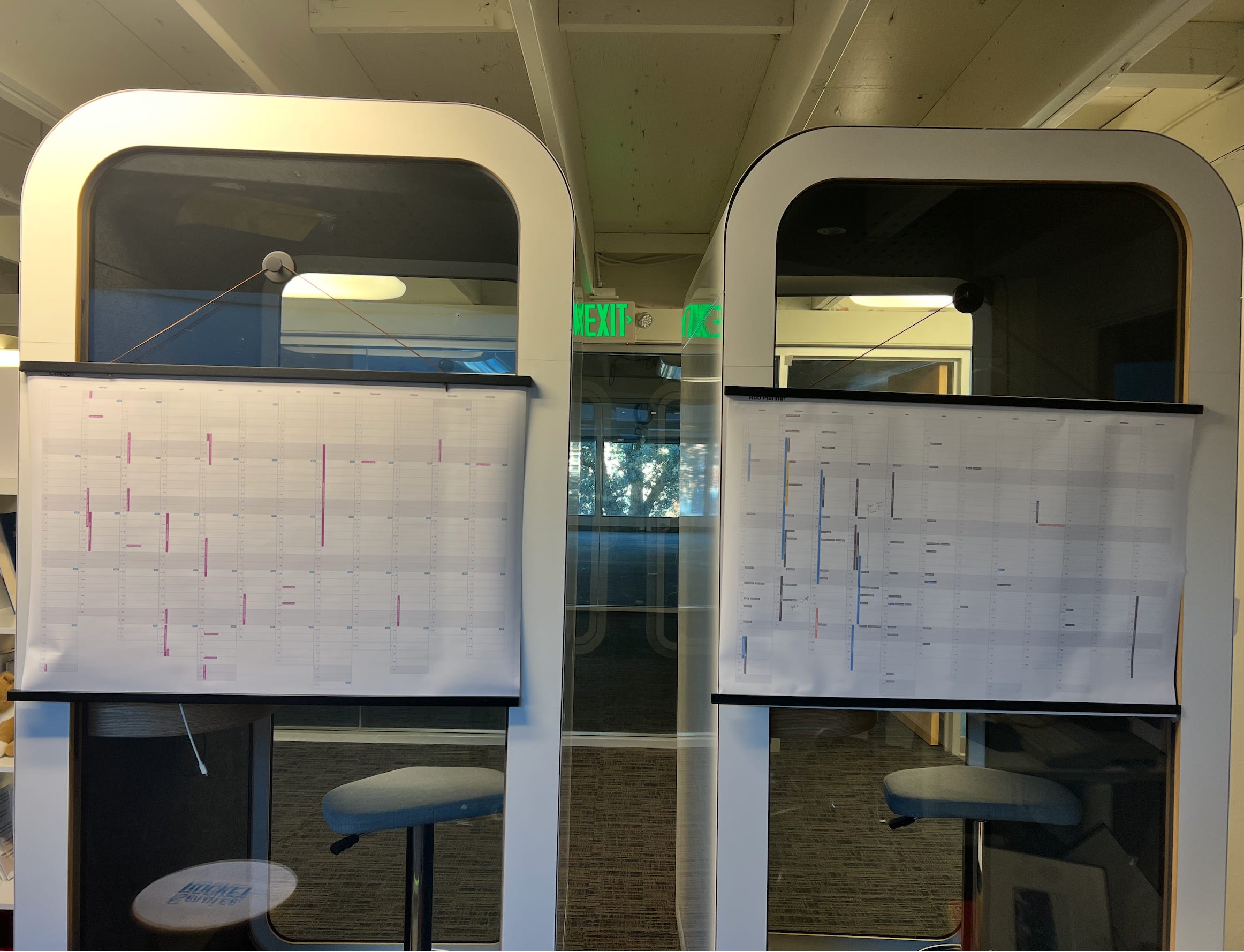
You can see from the version that the first 6 months are loaded and the second 6 months are still forming. That’s a normal pattern.
How often do you print this? Do I print it every time it changes?
Once settled, I print this usually every 1-2 months. I use a pencil to write in new items that come up or I’m thinking about, like a potential trip and once a couple of months tick over, I re-print it. There’s no need to print it for each change!
(If you don’t have a printer like this, either use a service that can print an A1 sheet of paper from a PDF (which you export) or send to someone in one of our offices to get to you. Plan to get it done when you fly through on customer trips.). Services can do this for a few dollars (plus shipping).
Plan and adjust and plan and adjust.
Now this is where it gets powerful. When many of our leaders are doing the same process, combined with our industry/partner events and our marketing events, round tables, exec series, customer tours etc we can start to plan and adjust.
Principle 4 - Success is identifying conflicts - far into the future so you have time to adjust.
Success isn’t having a perfect plan, it’s having the ability to maneuver when new opportunities and challenges arise. We don’t know everything ahead of time, just like a surfer doesn’t know all the waves. But the ability to adjust is what it’s all about. If you have a change to an event in 4 months time, the anxiety created is nowhere near as much as the anxiety created when you find out a conflict for today.
I hope this helps! Ask me questions or send me notes, I will work towards a bunch of tips and tricks for Part 3, including how I setup for those that traveling and work internationally.